Live demo
Use it before you sign up.
This is the real Tender-Dude dashboard, running on a sample company. Open a tender, see what it asks for, look at the work plan. Click anything: nothing is saved.
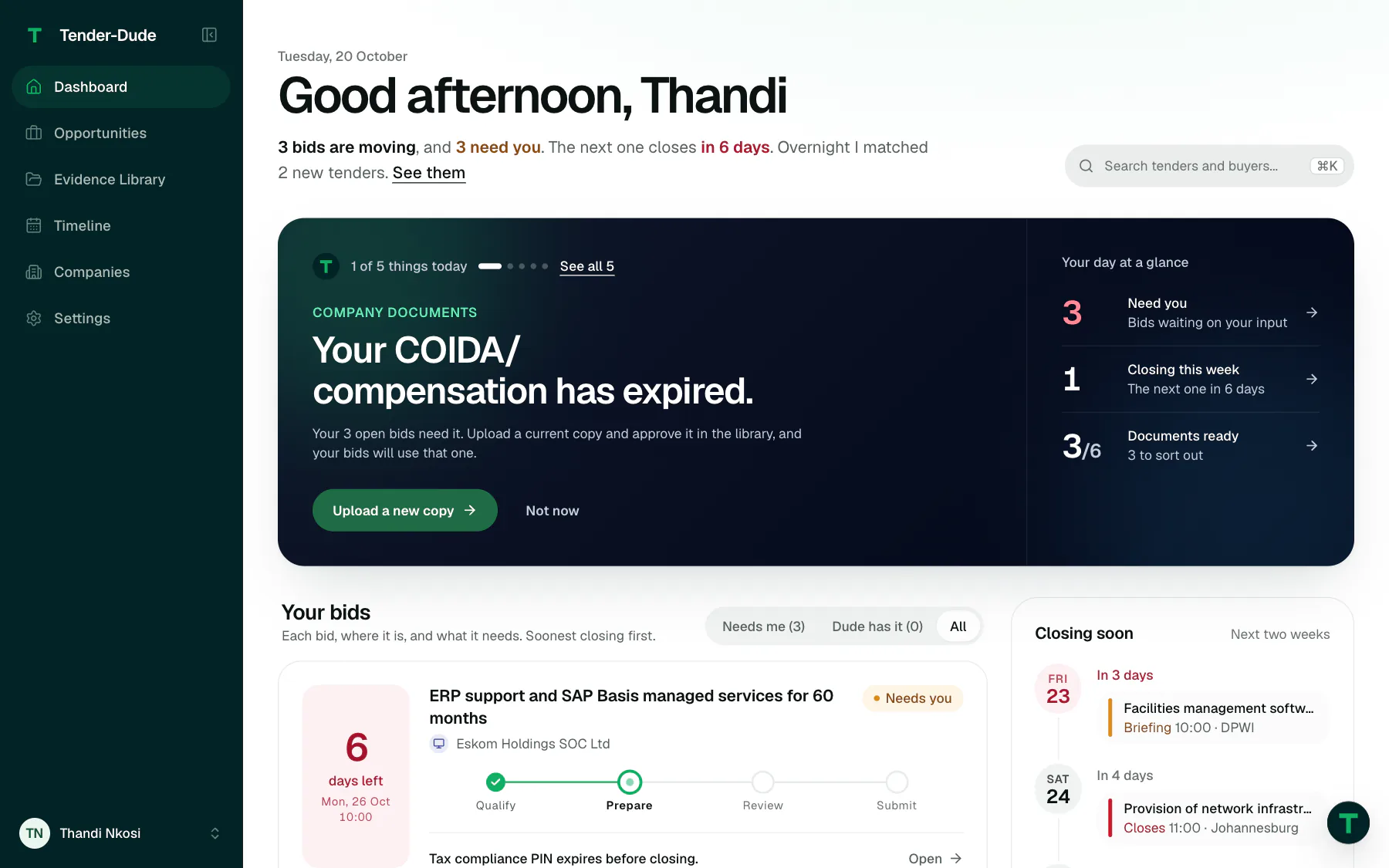
Four things worth trying.
Each button moves the demo above to that screen. Or just click around.
-
1
See what fits
Opportunities lists tenders matched to the company, each with its closing date, days left and a readiness score.
-
2
Ask: can we bid?
Open a tender. Every document it says a bid must contain is quoted with its page, beside whether the company has it.
-
3
See the plan
The work plan counts back from the closing date: a step, a due date and a person for each, and what is overdue.
-
4
Check the brief
Fill this bid turns a few answers into the price, preference points and declarations the pack will say. Then sign it and hand it in.
What is and is not real here. The screens, the buttons and the way they behave are the real product. The company, the people and the tenders are invented, and buyer names appear only to show what a tender looks like. Saving is switched off, so changes will not stick, and nothing you do leaves your browser.
Your next bid, done properly.
Find the tender, get your documents ready, and hand it in on time.